

Server Rack Management Fundamentals
Learn how to organize, cable, and maintain server racks effectively. Covers spacing, cooling, and weight distribution.

Master the fundamentals of organized cabling systems. Learn CAT6A specifications, cable management best practices, labeling systems, and compliance requirements for professional infrastructure.
Good cabling isn’t just about aesthetics. It’s the foundation of reliable network infrastructure. When cables are organized properly, troubleshooting becomes faster, maintenance takes less time, and your network performs at its best.
We’re going to walk through the standards that actually work. You’ll learn what CAT6A means, why it matters for your setup, and how to implement cabling systems that’ll serve your data center for years. Most facilities we’ve worked with see immediate improvements in both performance and management efficiency once they’ve installed structured cabling properly.

The structured cabling industry follows specific standards set by organizations like TIA (Telecommunications Industry Association) and ISO. These aren’t just recommendations—they’re the baseline for professional installations.
CAT6A is the current standard you’ll see most often. It supports speeds up to 10 Gigabit Ethernet and has better shielding than CAT6. The difference? CAT6A handles higher frequencies without crosstalk interference, which means your data moves faster and more reliably. Plus, it’s future-proof. You’re not installing cables every year, so building for tomorrow makes sense.
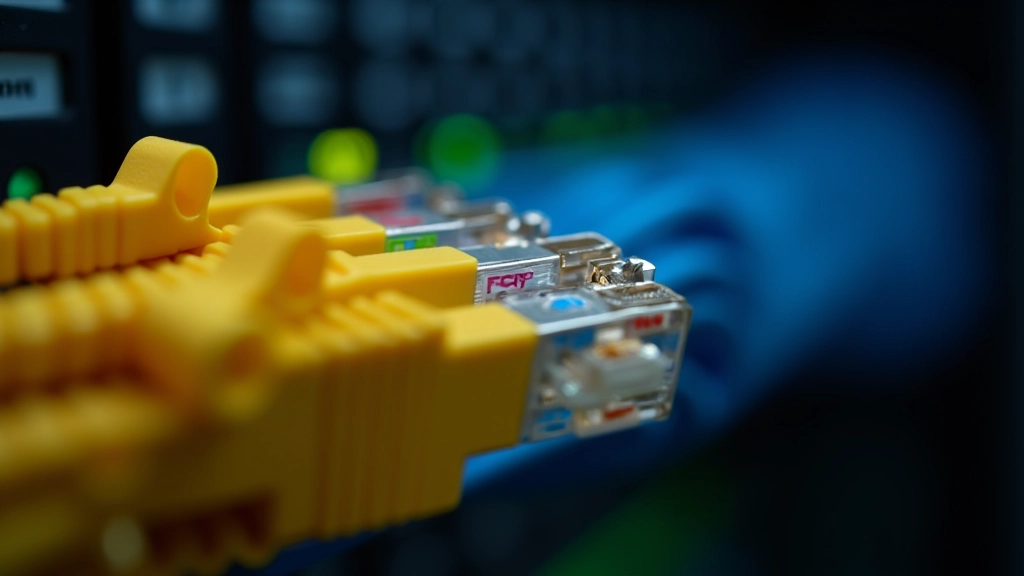

Installation is one thing. Management is another. You’ll want to use cable trays or conduit systems that allow for future additions without disrupting existing cables. Don’t tie cables too tightly—this damages the sheathing and reduces performance over time.
Color coding is essential. It’s not decorative. When you’ve got hundreds of cables running through a facility, color coding saves hours of troubleshooting. Most facilities use the TIA standard: white/orange for one system, white/green for another, and so on. Pick a scheme and stick with it.
Keep cables separated from power lines by at least 12 inches when possible. This prevents electromagnetic interference that can degrade signal quality. It sounds like a small detail, but we’ve seen performance issues disappear once cables were properly separated from electrical conduits.
Expand your knowledge with these complementary guides
Learn how to organize, cable, and maintain server racks effectively. Covers spacing, cooling, and weight distribution.
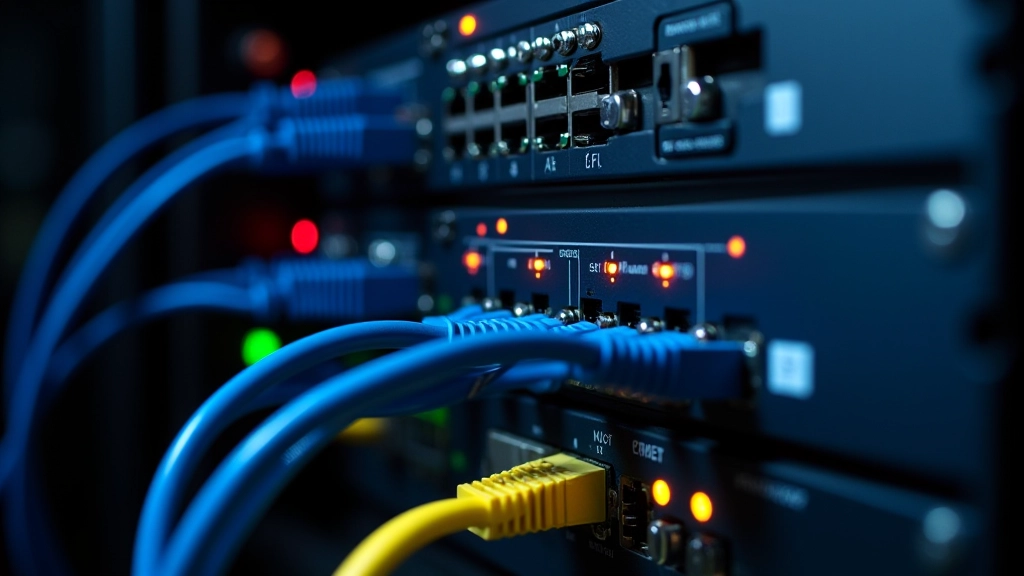
Understand how to design redundant systems that keep operations running during equipment failures.

Improve network performance by optimizing bandwidth usage. Learn about traffic shaping and QoS.
Documentation wins projects. It really does. When you’ve got a complete record of every cable—where it runs, what it connects, when it was installed—you’ll solve problems in minutes instead of hours. We’ve seen teams spend full days tracing unlabeled cables. Don’t be that team.
Use a consistent labeling scheme. Label both ends of every cable. Include the source and destination in your label—not just a number. For example: “RACK-A-PATCH-12-to-SWITCH-B-PORT-8” is infinitely more useful than “Cable 47.”
Maintain a cable database. Track which cables connect where, their installation date, and their testing results. This becomes your installation record and your troubleshooting reference. When you need to add a new connection or replace failed cable, you’ve already got all the information you need.


Installation without testing is incomplete. You need to verify that each cable meets the standards it’s supposed to. This means testing for continuity, checking for crosstalk interference, and verifying that signal quality meets CAT6A specifications.
Use a certified cable tester. Don’t guess. A quality tester costs money upfront, but it catches problems before they cause network outages. Test each cable run end-to-end. Document the results. Keep records for at least 3-5 years—this becomes your compliance proof if anyone questions your installation quality.
Many organizations require third-party certification of cabling installations. It’s worth the investment. A certified installer has the right equipment, follows the standards precisely, and provides documentation that holds up to inspection. Your network is too important to cut corners here.
Structured cabling requirements vary based on facility size, environmental conditions, and specific network demands. Individual installations may require different approaches. Always consult with a qualified network professional to ensure your cabling system meets your organization’s specific needs and local building codes.
Structured cabling is foundational infrastructure. You’re not installing cables for today—you’re installing them for the next five to ten years. That’s why following standards matters. CAT6A gives you capacity and future-proofing. Proper cable management saves time and prevents problems. Documentation and testing ensure reliability.
Start with a solid plan. Know where cables need to go before you run them. Use quality materials and proper techniques. Test everything. Document everything. When you do it right, your network infrastructure becomes something you can depend on instead of something you’re constantly fixing.

Editorial Team
Written by the CoreStack Infrastructure editorial team, focused on practical, honest guidance for data center and network infrastructure professionals. We’ve been publishing clear, useful resources since 2018.