
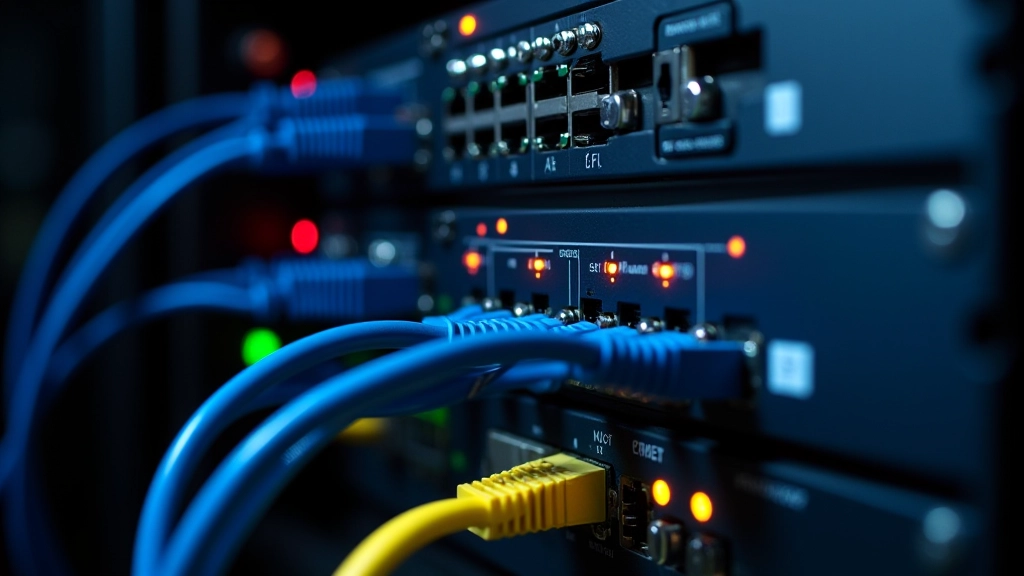
Redundancy Planning & Failover Systems
Design systems that stay running when equipment fails. Learn backup power, dual connections, and recovery procedures that keep operations moving.
Why Redundancy Matters
Equipment fails. Networks go down. Power cuts happen. It’s not a question of if — it’s when. That’s why redundancy planning isn’t optional. It’s how you keep critical systems running when things go wrong.
A well-designed failover system means your data center stays online. Your clients keep working. Your reputation stays intact. We’ll walk you through the real techniques that make this happen — from backup power supplies to dual network connections to recovery procedures that actually work.
System Protection
Redundancy isn’t just backup — it’s continuous availability. When one component fails, the system automatically switches to the backup without interruption.
Automatic Failover
Detection happens in milliseconds. Your failover system kicks in before users notice anything’s wrong. That’s the goal — zero visible downtime.
Backup Power Systems
A power failure is one of the most common reasons data centers go down. That’s where UPS (uninterruptible power supply) systems come in. They’re not just expensive batteries sitting in a corner — they’re critical infrastructure.
Most setups use a two-tier approach. First, UPS units provide immediate power for 5-15 minutes — enough time for servers to shut down cleanly or for backup generators to kick in. The generator then takes over, running on diesel or natural gas. We’re talking about hours of runtime, not minutes.
UPS Battery Banks
Sized for your critical load — servers, switches, cooling. A typical data center might have 50-200 kW of UPS capacity.
Automatic Transfer Switch
Detects main power loss and instantly routes power to UPS. No manual intervention. Happens in under 10 milliseconds.
Generator Activation
Diesel or gas generator starts automatically. Handoff from UPS to generator happens seamlessly, usually within 10-30 seconds.

Dual Network Connections
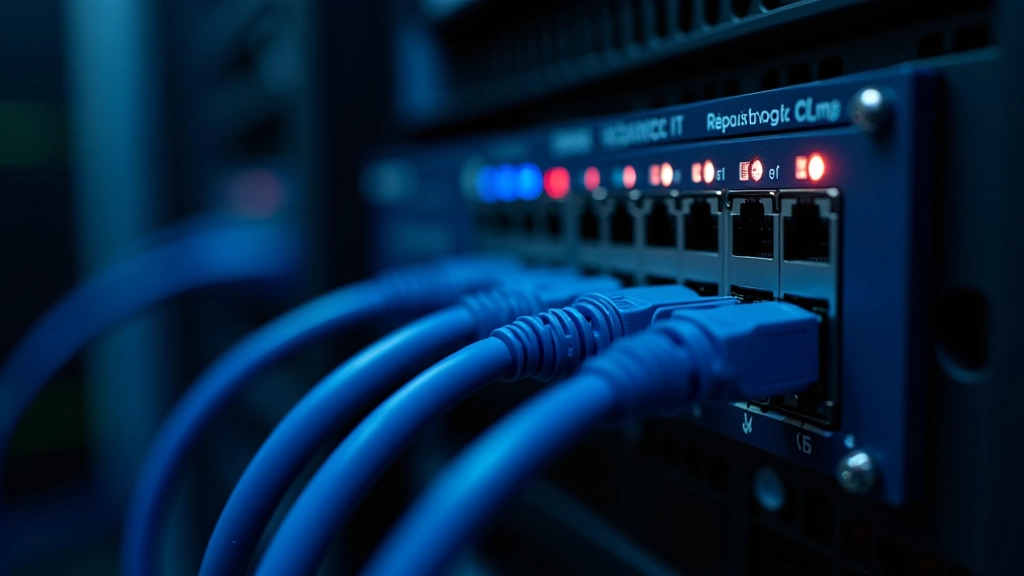
A single internet connection is a single point of failure. Redundant networks mean your data center stays connected even if one provider goes down. You’re not just adding a backup — you’re spreading risk across different infrastructure paths.
Most setups use two independent ISPs (internet service providers) with different physical routes. One might come from a fiber line through the city center. The other comes from a different path entirely — maybe through a different exchange or even a different carrier. If one connection fails, traffic automatically routes through the other.
Active-Active vs. Active-Passive
Active-active spreads traffic across both connections — you get full bandwidth from both. If one fails, the other handles everything. Active-passive keeps one connection in reserve. It’s simpler to manage but you’re not using all your bandwidth normally. Most modern setups go active-active.
How Failover Actually Works
The process is faster than you’d think. Detection, decision, and switchover happen in milliseconds.
Health Check
Monitoring systems constantly ping critical equipment. Every second, they check: Is this device responding? Is it healthy? Is performance normal?
Failure Detection
Three missed pings in a row triggers an alert. The system confirms the failure — is it real or just a temporary network blip? Usually takes 2-5 seconds to be certain.
Automatic Switchover
Once confirmed, the failover happens instantly. Network traffic reroutes. Connections shift to the backup. For most applications, this is imperceptible.
Alert & Notification
The ops team gets notified immediately. An alert goes out so someone can investigate and fix the root cause while the backup system keeps everything running.
Related Guides
Explore more about data center infrastructure and operations.

Server Rack Management Fundamentals
Learn how to organize, cable, and maintain server racks effectively. Covers spacing, cooling, and cable management best practices.
Read Guide
Structured Cabling Standards & Installation
Master the standards for organized cabling systems. Covers CAT6A specifications, proper termination, and testing procedures.
Read Guide
Bandwidth Optimization Techniques
Improve network performance by optimizing bandwidth usage. Learn about traffic prioritization and monitoring strategies.
Read GuideRecovery Procedures
Failover is automatic, but recovery isn’t always. Once your backup system is handling the load, someone needs to fix the original problem. That’s where proper recovery procedures come in — they keep things organized and prevent mistakes when you’re under pressure.
Documentation is everything here. You need clear runbooks that walk through each failure scenario. What do you do if a switch fails? If a power supply dies? If a network interface card stops working? Each situation needs its own procedure.
The key is testing. Don’t wait for a real failure to find out your recovery procedure doesn’t work. Run regular drills — simulate failures and practice the recovery steps. This is how you catch problems before they cost you real money and real downtime.


CoreStack Infrastructure Editorial Team
Editorial Team
Written by the CoreStack Infrastructure editorial team, focused on practical, honest guidance for data center and network infrastructure professionals. We’re here to explain the real techniques that keep systems running.
Learning Outcomes Vary
Individual learning outcomes vary from person to person. This guide covers fundamental concepts and common approaches to redundancy planning and failover systems. Your specific infrastructure needs, regulatory requirements, and operational constraints may differ. Always consult with infrastructure specialists and conduct thorough testing before implementing these systems in production environments.
Building Redundancy Into Your Systems
Redundancy planning isn’t complicated — it’s about identifying your critical components and providing backups for each one. Power fails? You’ve got UPS and generators. Network goes down? You’ve got dual connections. A server crashes? Your failover system reroutes traffic instantly.
The real work is in the details. Sizing your UPS correctly. Testing your failover procedures regularly. Keeping your runbooks up to date. Monitoring your systems so you catch problems before they become outages.
It’s not about achieving 100% uptime — that’s impossible. It’s about minimizing downtime and keeping your operations running when things inevitably fail. That’s what separates a solid data center from one that leaves customers frustrated.